Change clothes colour in a photo
Upload any photo of yourself and recolour your clothes any colour you like. You’ll see which shade flatters your face before you buy.
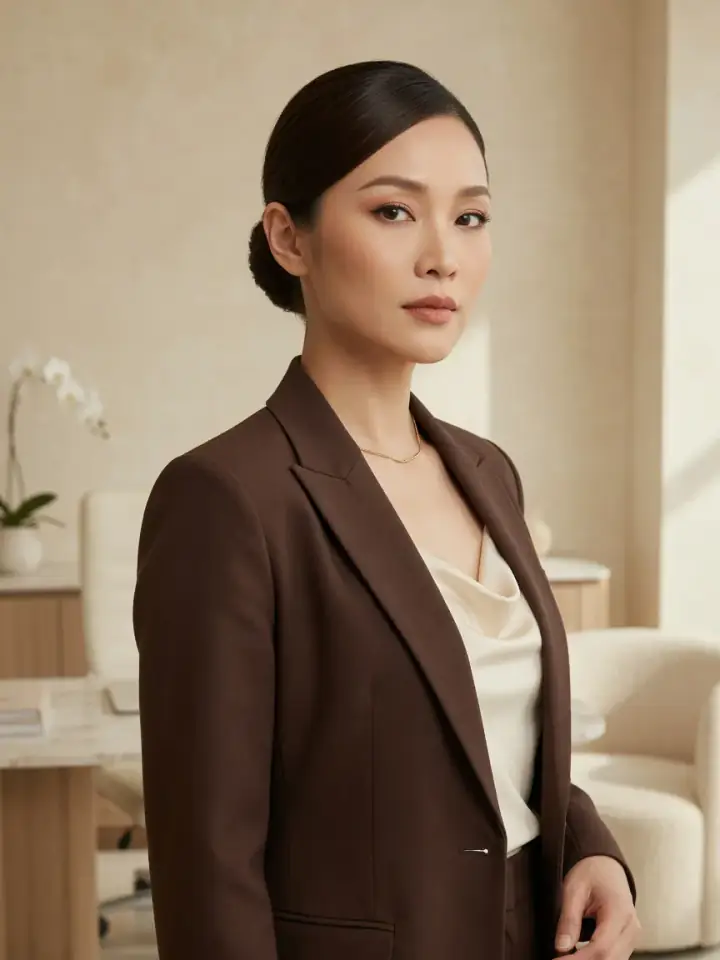
Shade: choose below
Three steps to a new colour
Upload a photo
Waist-up or full-length is best, so the clothes fill a good part of the frame.
Choose a colour
A ready-made palette, any colour of your own or your colour type’s palette — it loads in one click.
Compare and save
Hold “Original” to see the difference, and download the result.
Why recolour clothes in a photo
- Work out which colour to pick when the shop has several.
- Check whether a trending colour suits you without buying the item.
- See how your colour type’s palette looks on you, not on swatches.
Folds, shadows and fabric texture stay as in the original photo — only the colour changes.
Which colours to try first
Start with your colour type’s colours: pick a subtype from the list under the palette, and its ten best shades will appear in the studio. If you don’t know your subtype, find it from a photo.
To try on a whole different item rather than a colour, use the app: clothes try-on on your own photo.
Colour chosen — now try the piece
In the LOOKSI app, clothes, looks and trends are tried on your own photo, not on a model.
Try on clothes →Common questions
Is it free?
Yes, with no sign-up and no limit on the number of tries.
Where is my photo sent?
Nowhere. The model runs right in the browser; the photo never leaves your device and isn’t stored anywhere.
Can I recolour just one item?
Not yet: all the clothes in the shot are recoloured. To judge the colour of one item, use a photo where it fills most of the frame.
Why do black or white items recolour less well?
On very dark and very light fabric, folds and shadows are barely visible, so the colour goes on flatter and looks less three-dimensional.
Will anything change besides the clothes?
No. Your face, hair and background stay as in the original photo.